Triangles or surfaces
A CAD file does not describe triangles. It describes surfaces — planes, cylinders, cones, spheres, tori, splines — each trimmed by exact curves. The plugin can turn those into triangles once, as every viewer does, or keep them as surfaces and evaluate them on the graphics card at the density the view asks for, every frame.
r.Cadaclysm.Surface.SagittaPx.Two components
It is the component's class, chosen when the component is made, not a switch to flip afterwards. The choice decides what the load builds: a part drawn from its surfaces is never meshed, and a meshed part has no surfaces to draw from, so there is no state in which both exist to switch between.
| Component | Draws |
|---|---|
UCadaclysmComponentCadaclysm Actor | Triangles. Every part is meshed once when the file opens, at a quality the mesher chooses, and drawn as a mesh from then on. |
UCadaclysmSurfaceComponentCadaclysm Surface Actor | Surfaces. Every part the library can express is sent to the card as frames and trim curves, and tessellated for the view each frame. Parts it cannot express fall back to triangles, in the same frame and the same document. |
It is decided per part, not per document: there is no arrangement in which a whole document draws one way or the other.
The same nut, drawn both ways
Shaded, the two are the same picture: the mesh is fine enough that its chords do not show. The difference is in what is drawn. A meshed part keeps the triangles it was given when the file opened, at every distance and for as long as it is loaded; a part drawn from its surfaces is tessellated again for the view it is seen from, finely where it is close and curved, coarsely where it is not.
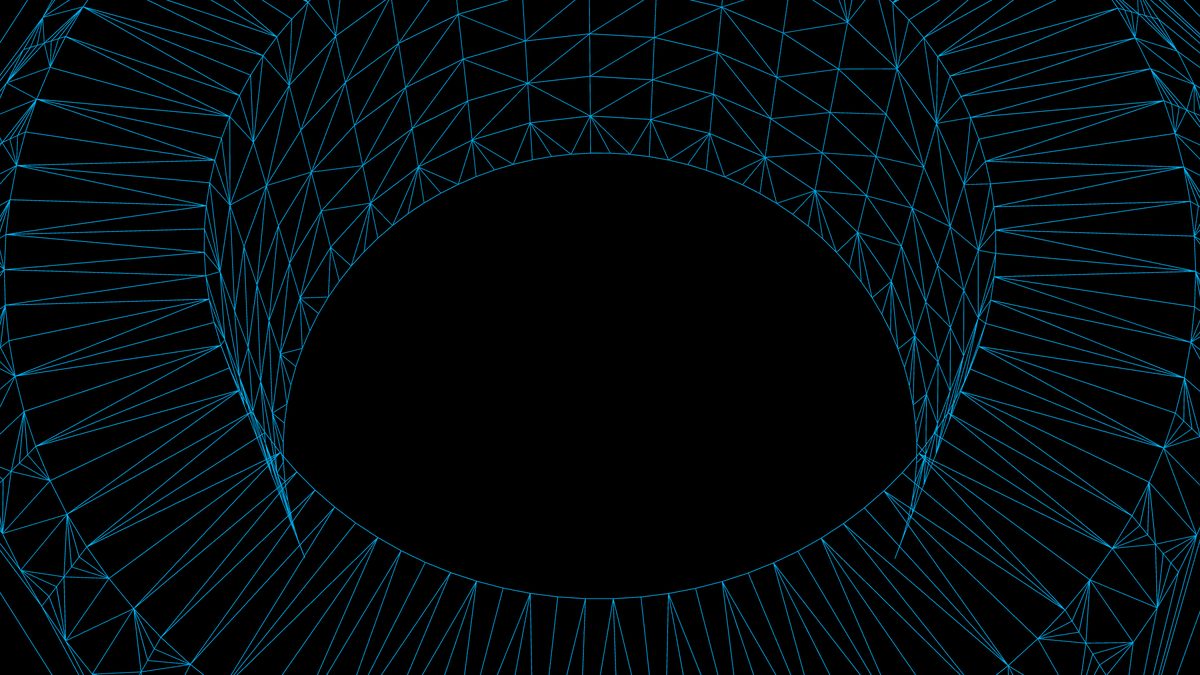
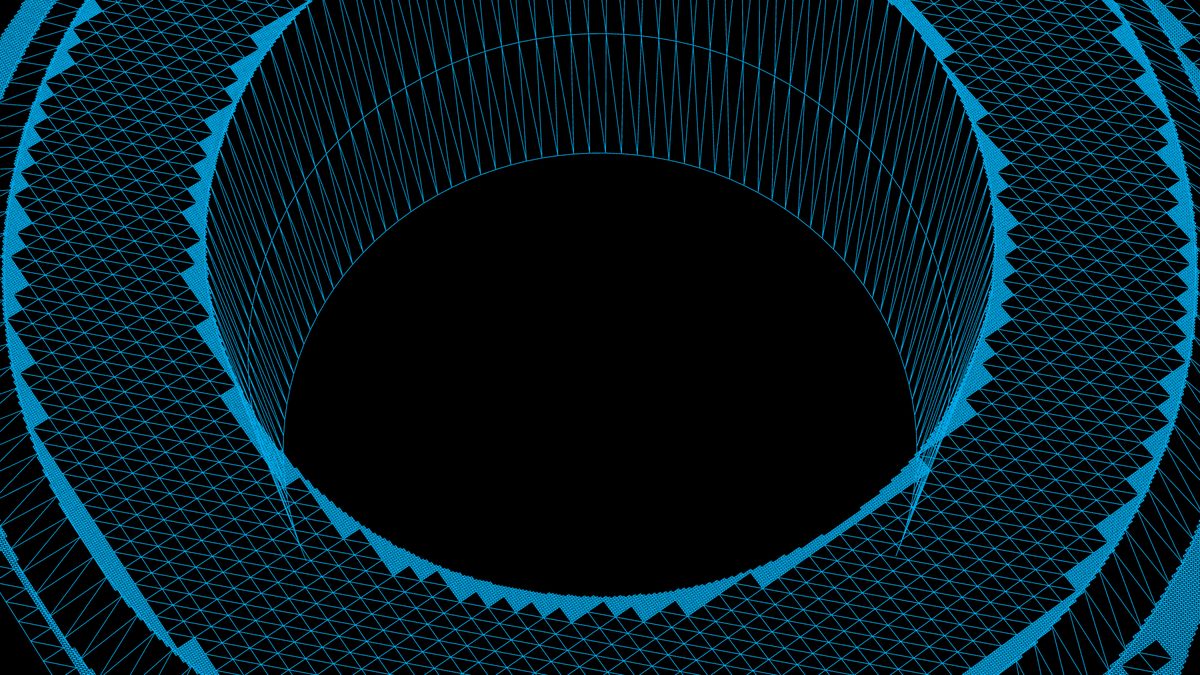
How close are they, really? Every release runs both paths over the sample documents and compares the frames pixel by pixel: 74 documents that draw as surfaces, each shot twice — framed whole and up close — from the same camera, into the same 512 × 512 frame. The median document differs in about 90 pixels of the 262,144, three hundredths of one percent, and the differences are edge-thin: on all but one document no differing region survives being eroded by a single pixel. They are two drawings of the same solid, not two interpretations of it.
The density is set in screen pixels, not in model units: r.Cadaclysm.Surface.SagittaPx is how far a flat cell's chord may sit from the true surface, in pixels, and defaults to 0.3. Smaller is smoother and costs more; the cost is paid per frame and scales with what is on screen, not with the size of the document.
A face that winds further than one face's grid can follow — a spiral wall, a long helical groove — is cut at load into tiles, windows of its domain each drawn as a face of its own, and the tiles of one face are given the same count of cells along every side they share, so they meet without a crack. Each face and tile is culled by a box made with it at load. To see the cells a frame was given, set r.Cadaclysm.Surface.DebugCells to 1: whole cells in blues, cells the trim cuts in oranges. At 2 every face record has a colour of its own, and at 3 both: a colour a tile, each of its cells a shade of it. Get Last Frame Stats counts both for a surface document: Surface Tiles, the face records the GPU tessellated for the view, and Surface Cells, the cells it cut them into. r.Cadaclysm.Surface.DebugUntrimmed 1 draws every face uncut, the whole surface it was cut from; with the part’s edges drawn, its trim loops sit on it.
What is not built
The saving is not in the drawing, it is in the load. A part drawn from its surfaces is never meshed: not for its bounds, which come from the surfaces themselves; not for a click, which is answered against the faces; not for its outline, which is drawn from the trim curves. On a large assembly that is the meshing time and the vertex memory of the whole document.
The cost is per frame instead, and it is proportional to what the camera sees. A still camera pays it once: the tessellation is kept while the view and the settings do not change (r.Cadaclysm.Surface.StillFrames, twelve frames by default).
A frame has a ceiling, r.Cadaclysm.Surface.VertexBudget, four million vertices by default. A frame that wants more is tessellated again, coarser, before it is drawn, all on the GPU, so the first frame at a new view draws every face rather than tearing (r.Cadaclysm.Surface.Retries, two retries by default). A frame that fits pays nothing for it: on a 35-million-triangle assembly, 0.03 ms of a 17.7 ms tessellation.
Shadows, without triangles
A shadow map is a view like any other, so surfaced parts are tessellated for it too — at the light's own density, within the light's volume, in buffers of their own. Parts with no triangles anywhere still cast.
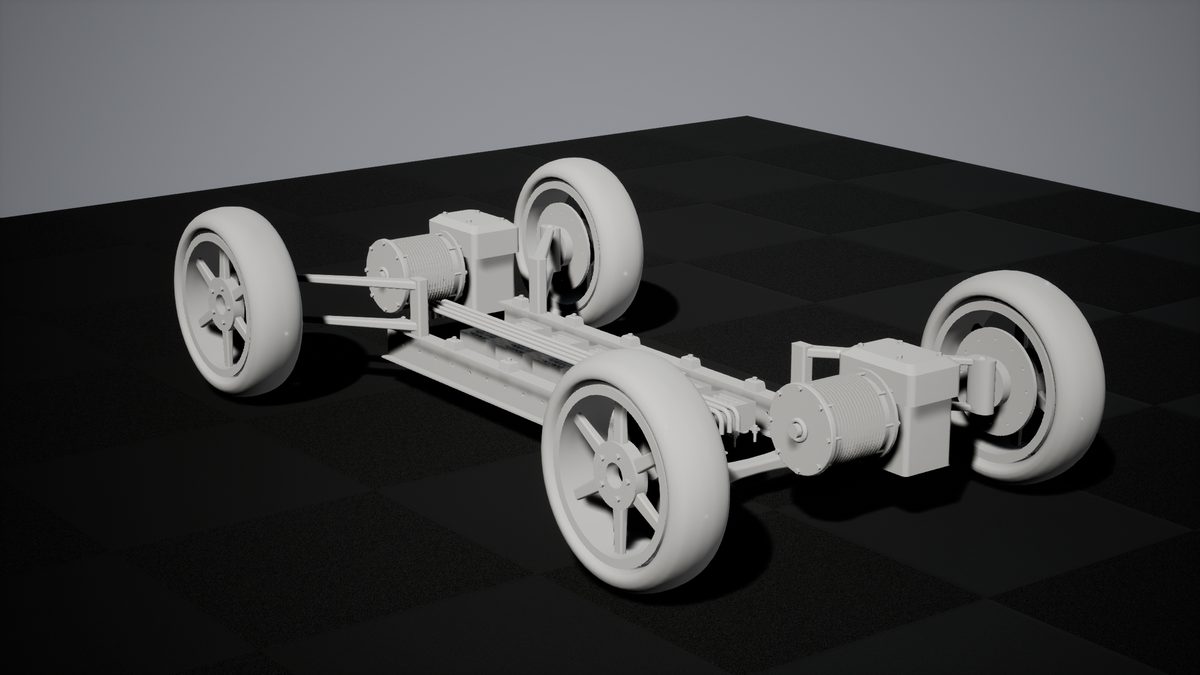
How many shadow views get a tessellation of their own is r.Cadaclysm.Surface.ShadowViews (four), at ShadowDensity (a quarter of the camera's) and within ShadowVertexBudget.
Ray tracing is the exception, and it is worth knowing before you turn on Lumen with hardware ray tracing. Anything that traces wants triangles: with none, a surfaced part casts no traced shadow, does not bounce light and has no distance field. Surface Proxy Mesh Cells on the surface component gives it a coarse mesh for exactly that — each face gridded that many cells a side, kept inside its trims, handed to the acceleration structure and the distance field and to nothing else. It is never drawn, never simplified and never clicked against. Two is enough for a shadow; four follows a curved face closely enough for a bounce; zero is none.

Parts that draw as triangles anyway
A part whose geometry the library cannot express as surfaces — a mesh in the file rather than a solid, an unusual surface kind — is meshed and drawn as triangles, whole, beside the rest. The load logs how many went each way, and Get Nodes Meshed At Load answers it from code: on a surface component it counts exactly the parts that fell back.
A document whose every part falls back draws correctly and saves nothing; the log says so plainly rather than leaving you to wonder.
Bounds, clicks and outlines
Framing, culling and clicking all work on a surfaced part, and none of them mesh it. The bounds are the surfaces placed and boxed; a click is answered against the faces themselves, which is exact rather than as exact as a tessellation; an outline is drawn from the trim curves, which lie on the surface rather than on a chord of it.
And the per-part edits work here as they do on triangles: a part coloured, ghosted or moved after the file was loaded is drawn that way. The colour and the transform each live in a small buffer the tessellation reads, one entry a part, so an edit is a few bytes crossing to the render thread rather than a rebuild of anything — and a still camera notices one and re-tessellates.