Desktop apps

Two viewers, on your desk. Free.

Native viewers for Windows, macOS and Linux built on the same libraries as everything else here: open a STEP, an IFC, a Rhino, IGES, BREP, ACIS or OpenSCAD file and see the geometry, not an import of it. Two of them, because desks differ: one for any machine, one for a machine with a GPU worth the name. No account, no upload, no license — free to download and keep.

Cadaclysm Lite

Any machine

The phone viewer, on the desktop: the same triangle budget, the same levels of detail chosen per part, so a large assembly stays fluid on a laptop with integrated graphics or a thin client. Meshes, tuned to the machine; the tree, the query language and picking as everywhere else.

Windows, macOS, Linux.

Cadaclysm Exact

A machine with a GPU

Faces tessellated on the GPU from the exact patch, per frame, to a pixel budget: zoom in and a cylinder is still a cylinder, nothing is re-meshed, no LOD pops. Wants a discrete GPU or a recent integrated one with Direct3D 12, Metal or Vulkan. Being finalised; Lite ships first.

Windows, macOS, Linux.

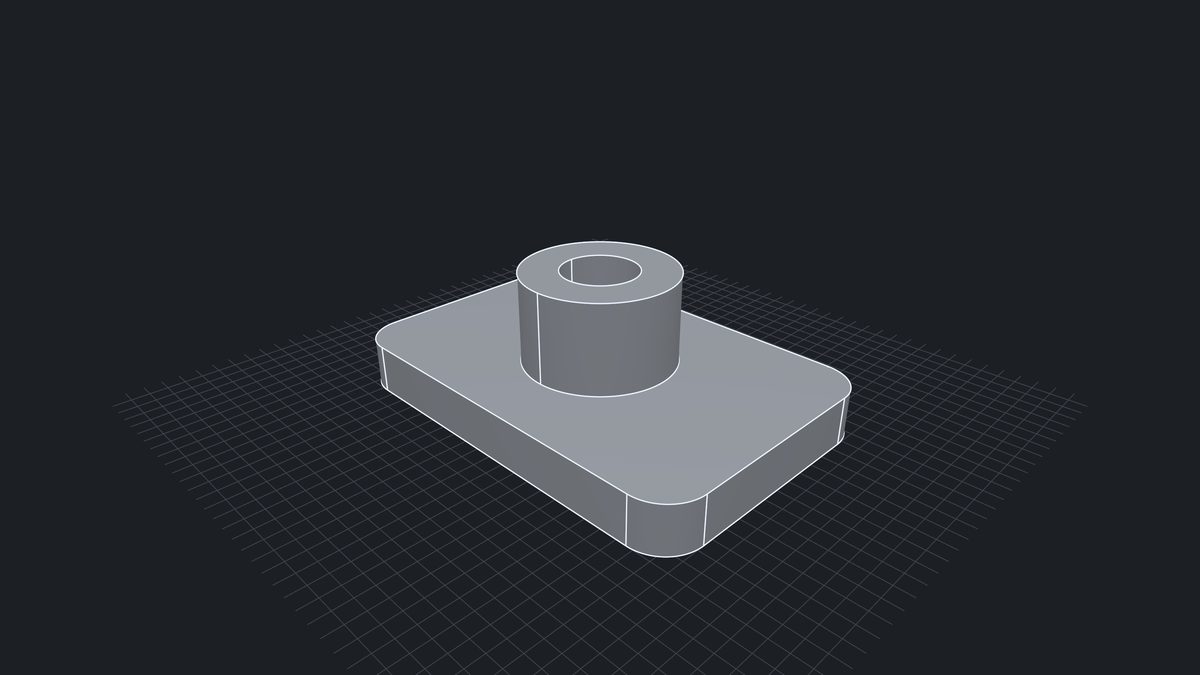
The desktop viewer with a part loaded and its tree beside it
What both do

A tree, a filter, a pick

The part tree beside the view shows every node with its name, colour and properties, and the query language narrows it to what you are after — a material, a layer, a property, a size. Pick a face or an edge and read what it is. Files are read on your machine and never leave it.

Platforms

Windows, macOS, Linux

Windows x64, macOS on Apple silicon and Intel, Linux x64 and arm64. One small binary each, drawn with wgpu on Direct3D 12, Metal or Vulkan; Lite runs on whatever those find, Exact asks more of it.

Download

Coming as free downloads

Lite is being packaged for the three platforms and ships first; Exact follows once it is finalised. This page will carry the downloads. Until then the Lite viewer runs in your browser, with the same readers and the same drawing, and the Discord server is where each release is announced.