A CAD file on the screen
Five minutes, three steps, no C++ and no import. At the end a STEP file is in your level, drawn by the plugin, with every part of it addressable.
The plugin in a project
Unreal Engine 5.8, on Windows x64, Linux x86-64 or Android arm64. A C++ project, or a Blueprint project that Unreal will convert the first time it builds a plugin.
Get it from Fab. On the plugin’s Fab page, add it to your library, free. Then, in the Epic Games Launcher, open Library, find Cadaclysm under Fab Library and choose Install to Engine for 5.8. The plugin is then in the engine for every project, enabled by default.
Or copy the plugin folder into one project instead, so that the
.upluginlands here:MyGame/ MyGame.uproject Plugins/ Cadaclysm/ Cadaclysm.uplugin Source/ Shaders/ Content/ Resources/ Source/ThirdParty/cadaclysm/lib/Win64/ Linux/ Android/ Source/ThirdParty/cadaclysm/include/cadaclysm.hOpen the project. Unreal builds the plugin on the first launch and asks nothing else. In the editor's Plugins window it is listed under Importers, enabled; search for it by name.

The library under Source/ThirdParty/cadaclysm/lib/ is the reader, the geometry kernel and the format support: one shared library per platform. The plugin loads it when it starts, and packaging stages it beside the game, so there is nothing else to ship.
An actor and a file
Place a Cadaclysm Actor from the Place Actors panel. It is an actor with one component on it, Document, which is where everything lives. Then call Load CAD File on it — from a Blueprint, from the level Blueprint, or from C++:
#include "CadaclysmActor.h"
#include "CadaclysmLog.h"

// A file from anywhere on disk, opened at run time.
ACadaclysmActor* Cad = GetWorld()->SpawnActor<ACadaclysmActor>();
FString Error;
if (!Cad->Load("D:/models/platform.step", Error))
{
    UE_LOG(LogCadaclysm, Error, TEXT("%s"), *Error);
}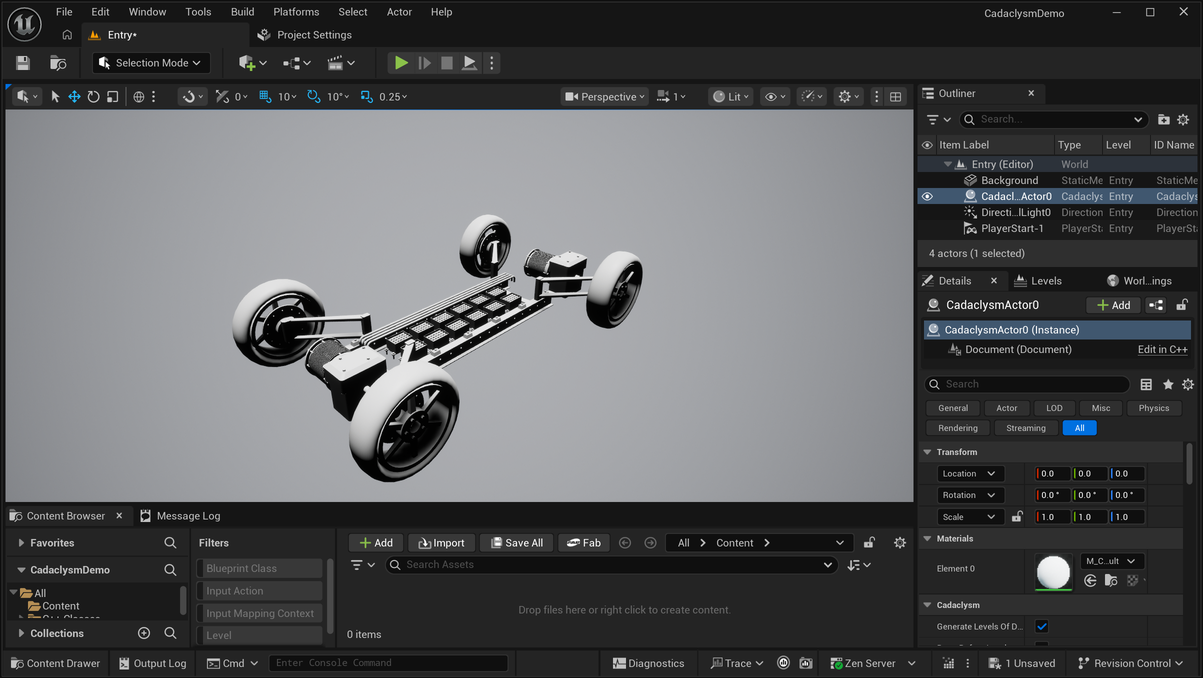
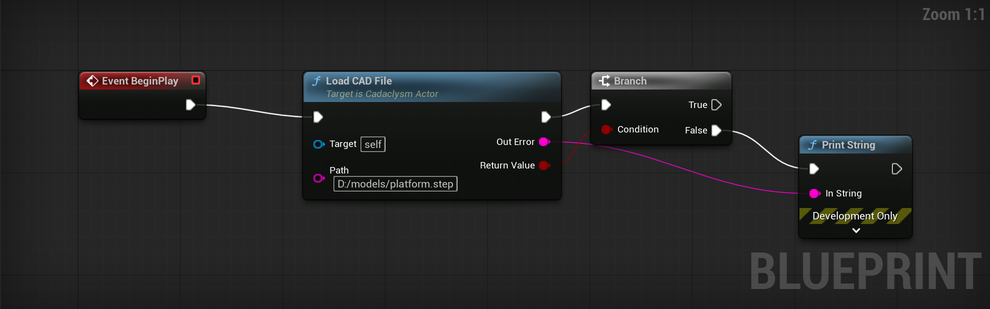
Document. The file was loaded from the editor for this picture; in a project it opens when the game runs.In Blueprint the same call is one node: Load CAD File, with the path in and a message out where a file cannot be read. A large assembly takes seconds, and a frame does not happen during them, so anywhere a frame is being drawn use Load CAD File Async instead — it returns at once and reports progress. The loading page covers it.
What you get
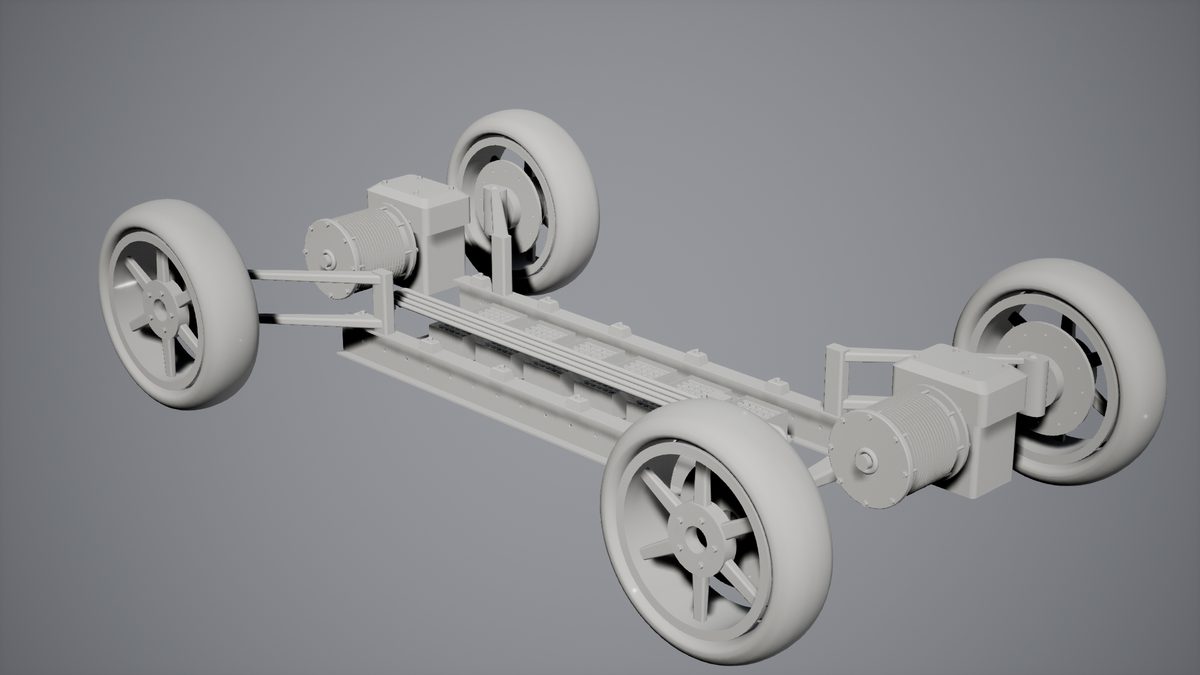
The whole document is one primitive. It has bounds, so the editor frames it and the renderer culls it; it is lit and shadowed like anything else; and it is clickable, so a trace against it tells you which part was hit. Nothing was imported: stop the session and there is no asset, no mesh and no material in your content folder.
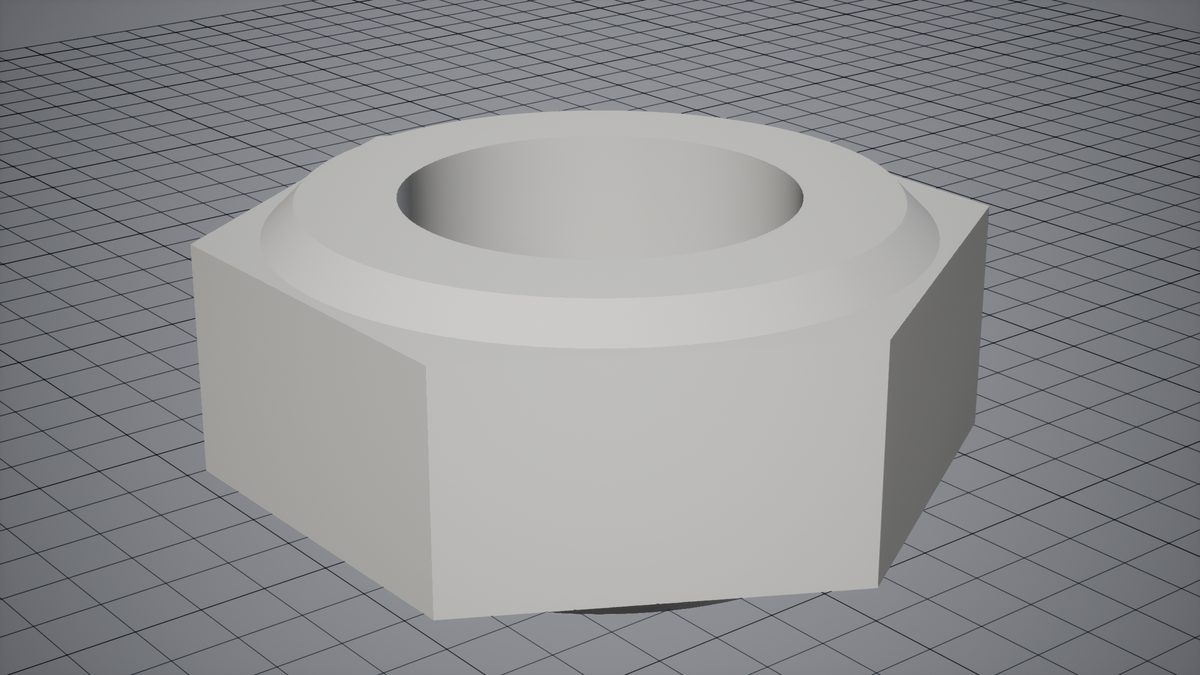
From here: draw the parts from their surfaces rather than from triangles, turn on the edges, or colour and move the parts one by one.
The usual three
The path. Load CAD File returns false and hands back a message saying what went wrong; log it. A relative path is relative to the packaged build's working directory, which is rarely where you think.
The scale. CAD files are usually in millimetres and Unreal works in centimetres. The plugin converts on the way in, so a part modelled 50 mm across is 5 units across in the level. A file that seems a hundred times too big or small was written in other units than it claims.
The distance. An assembly modelled far from its origin — a building at survey coordinates — arrives far from the level's origin too. Frame the actor rather than hunting for it.