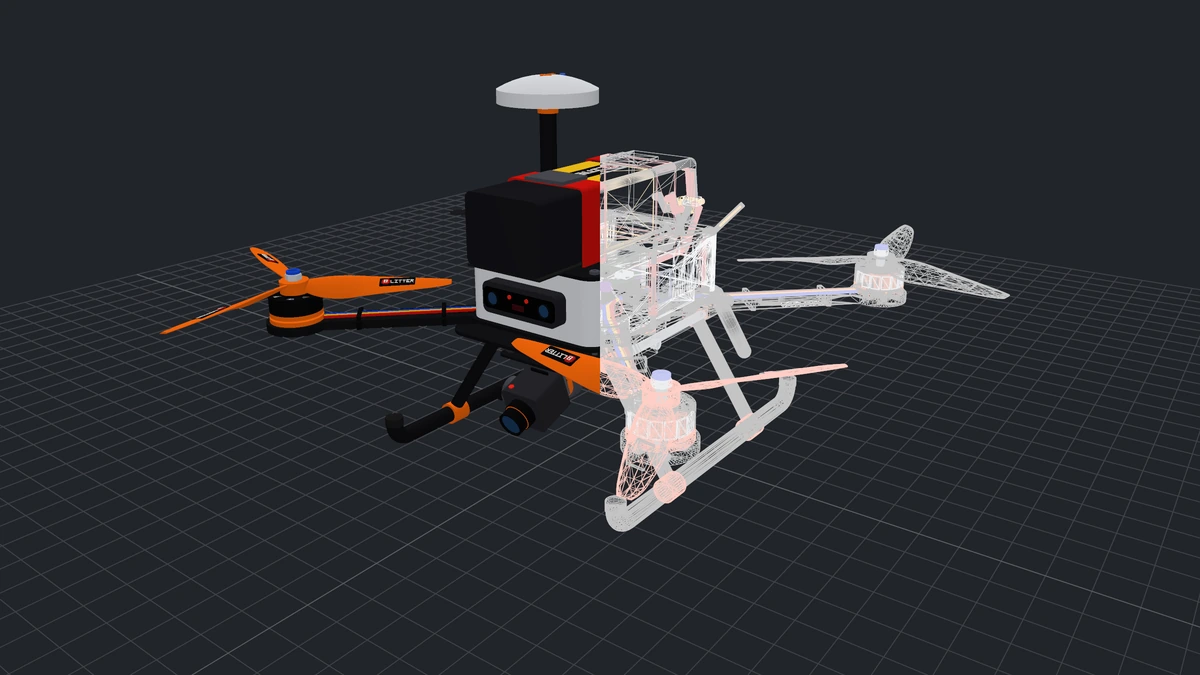
The Q7 quadcopter built with the blacksmith kernel, exact surfaces on the left half and a triangle mesh on the right

Read the CAD.
Keep the geometry.
Build on it.

A geometry library for people who write CAD software: readers for STEP, IFC, Rhino, IGES, BREP, ACIS and OpenSCAD into exact B-reps, a modelling kernel with booleans, fillets, shells, sweeps and lofts, assemblies with joints, a mesher with levels of detail, and writers back out to CAD and mesh formats. Rust underneath, one C ABI on top, a wrapper per language.

I build CAD tools

Read, model, write

Readers for seven formats, a B-rep kernel with booleans, fillets, shells, sweeps and lofts, assemblies with joints, a mesher, and writers for CAD and mesh formats. Two shared libraries, one C ABI, a wrapper per language.

I draw CAD in a game engine

Open CAD files at runtime

A plugin for Unreal, free on Fab, a GDExtension for Godot and the LuaJIT wrapper for LÖVE and LÖVR today; a package for Unity on the way. No editor, no cooking step, no import.

Game engines →
I just want to look

Drop a file on a page

The viewer runs in your browser and the file never leaves it; it is also an app for phones and tablets (free, with a paid edition that exports) and for the desktop.

Try the viewer →
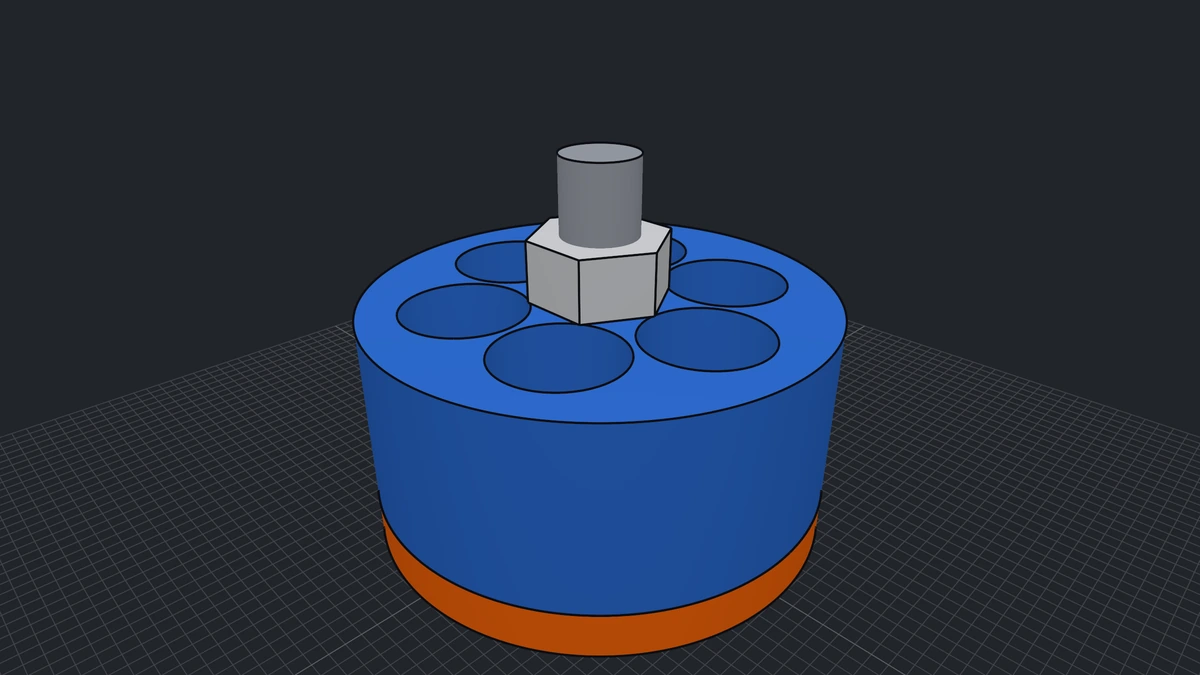
A drone motor built with the code below: a windowed bell over a wound stator, a threaded shaft and a chamfered nut, exact surfaces with their edges
Build

Every part an exact solid

Sketch, extrude, revolve, sweep, loft, coil; join, cut, fillet, chamfer, shell. Each operation gives back exact topology, not triangle soup, so what you build can be measured, drawn at any zoom, placed in an assembly and written to the CAD and mesh formats your tools read. The quadcopter above is a script of these calls; the motor pictured is the one below.

What the kernel builds →
import math
from cadaclysm_blacksmith import Frame, Profile, Solid

# A drone motor: an orange base, a blue anodised bell with six windows, a shaft and a nut.
base = Solid.cylinder(15, 3).coloured("#ff6b0d")
bell = Solid.cylinder(15, 12).translate(0, 0, 3)
for k in range(6):
    a = k * math.pi / 3
    bell = bell.cut(Solid.cylinder(4, 10).translate(8.5 * math.cos(a), 8.5 * math.sin(a), 7))
bell = bell.coloured("#2f6fd6")
shaft = Solid.cylinder(2.5, 24).coloured("#9ea3ad")
nut = Solid.extrude(Profile.regular_polygon((0, 0), 4.6, 6), Frame.xy((0, 0, 15)), 4).coloured("#d6d8dc")

show(base, bell, shaft, nut)
Run it in the notebook

The whole script, as it runs: the Python wrapper over the kernel, compiled to wasm in your browser. The same calls exist in C#, Go, Java, Node.js, Rust, Swift and LuaJIT.

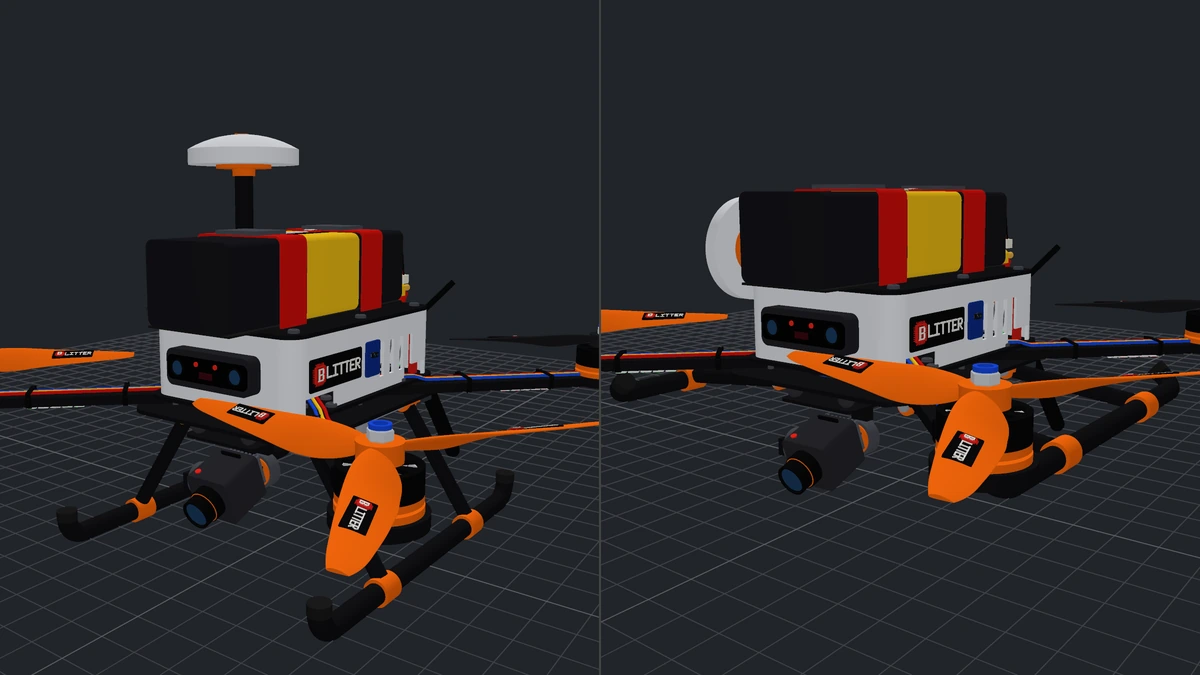
The quadcopter twice: at rest, and with its landing gear retracted and its GPS mast folded
Move

Joints in the file, collisions in the kernel

An assembly keeps its links, its joints with their axes and ranges, and its named states, and they travel with the file: the reader poses any of them. A collider sweeps each joint through its range against the whole machine. Fold the GPS mast the wrong way and it says exactly where the puck meets the rear prop.

Pictured: at rest, then posed in its retracted and folded states.

See it play in your browser →
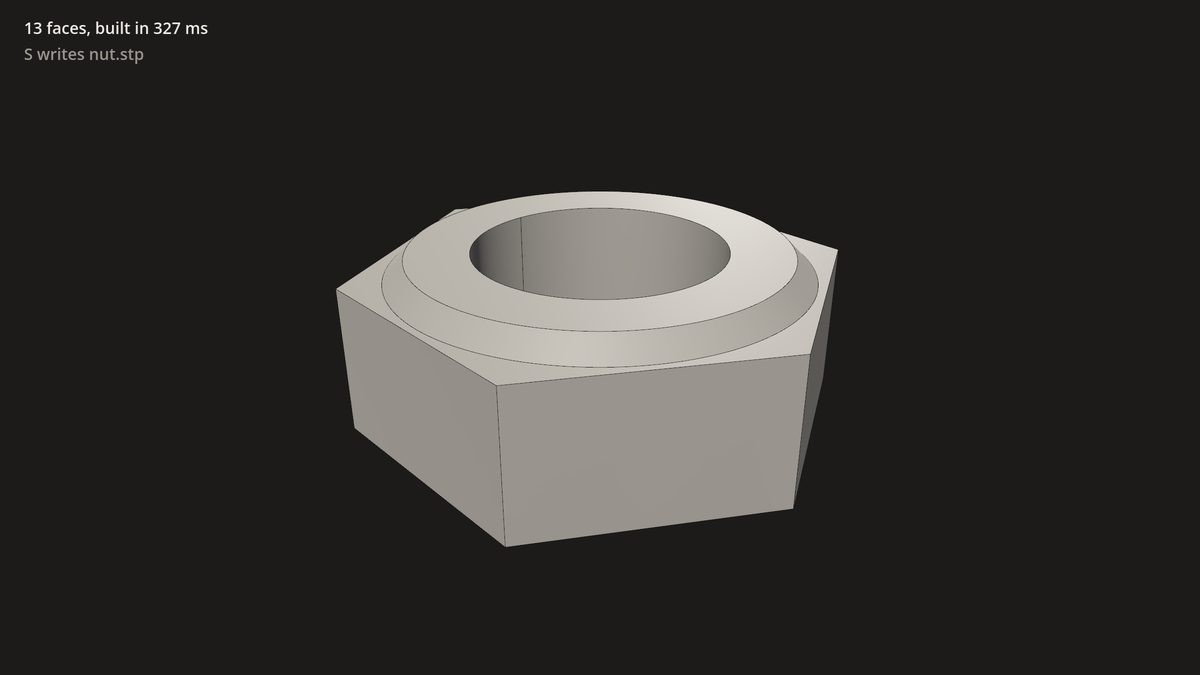
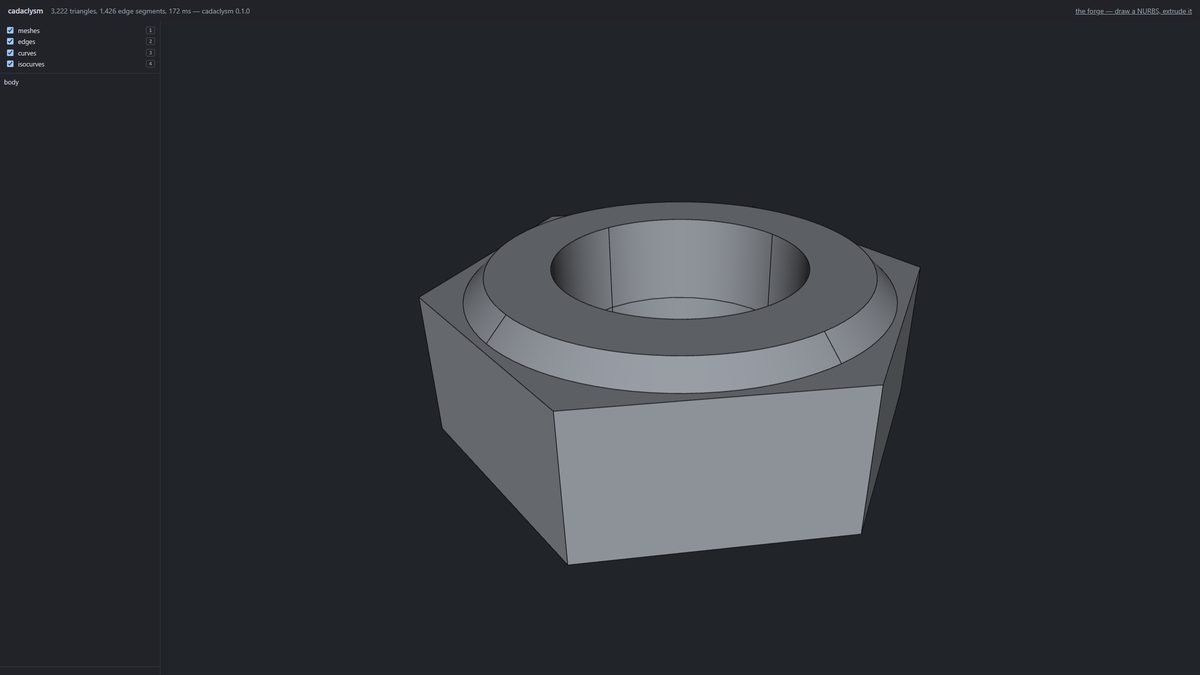
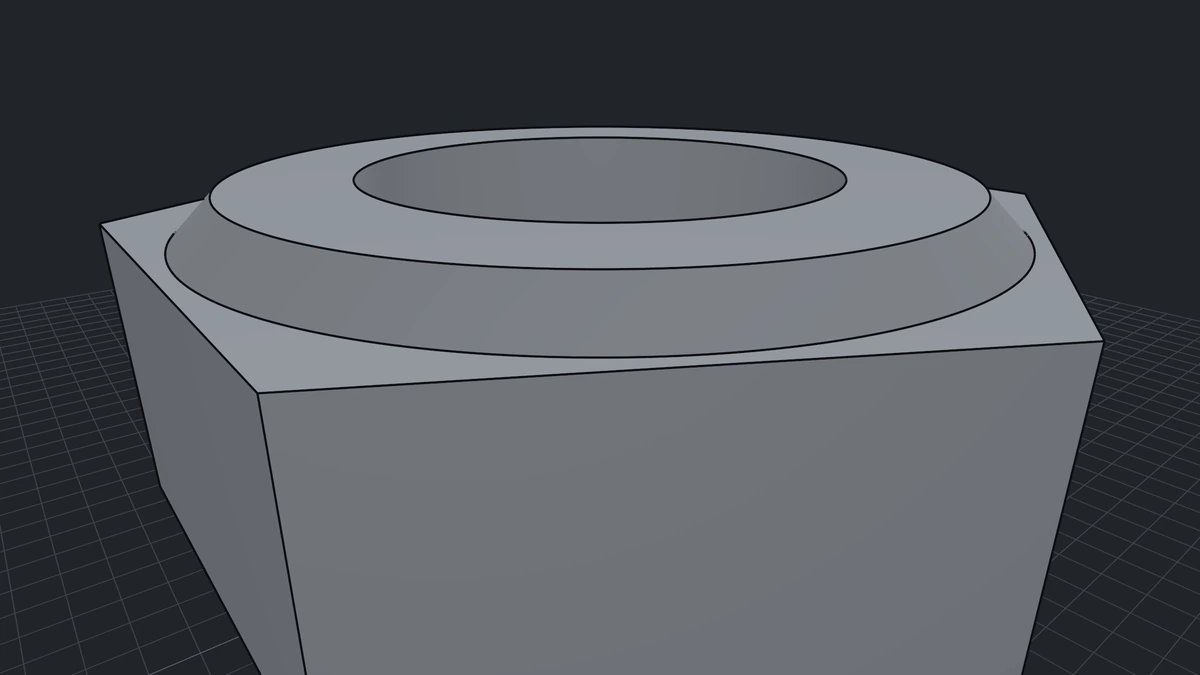
The Cadaclysm nut close in: its bore and chamfer drawn as exact surfaces
Draw

Surfaces stay surfaces

Faces are tessellated on the GPU from the exact patch, per frame, to a pixel budget you set. Zoom in and a cylinder is still a cylinder; nothing is re-meshed and there is no LOD to pop.

Runs where you work

Engines, desktops, browsers

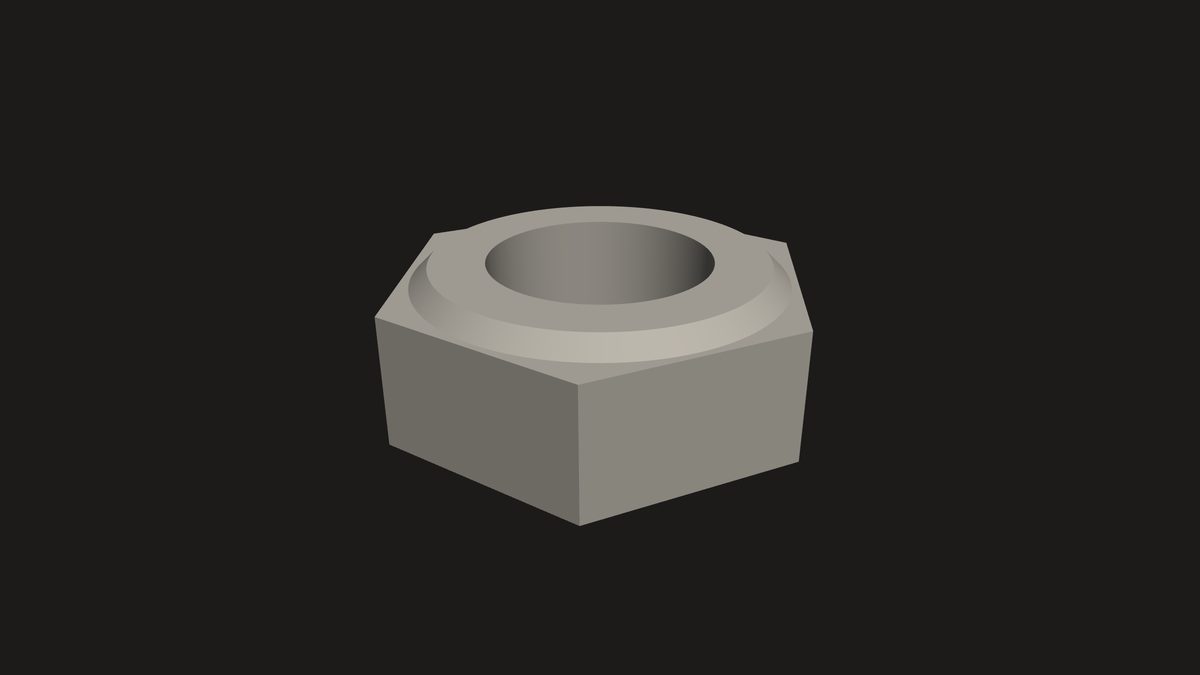
The nut in Godot
Godot 4.4+, a GDExtension: import as a scene or open at runtime.
The nut in a LÖVE window
LÖVE and LÖVR, through the LuaJIT wrapper, in 2D, 3D or VR.
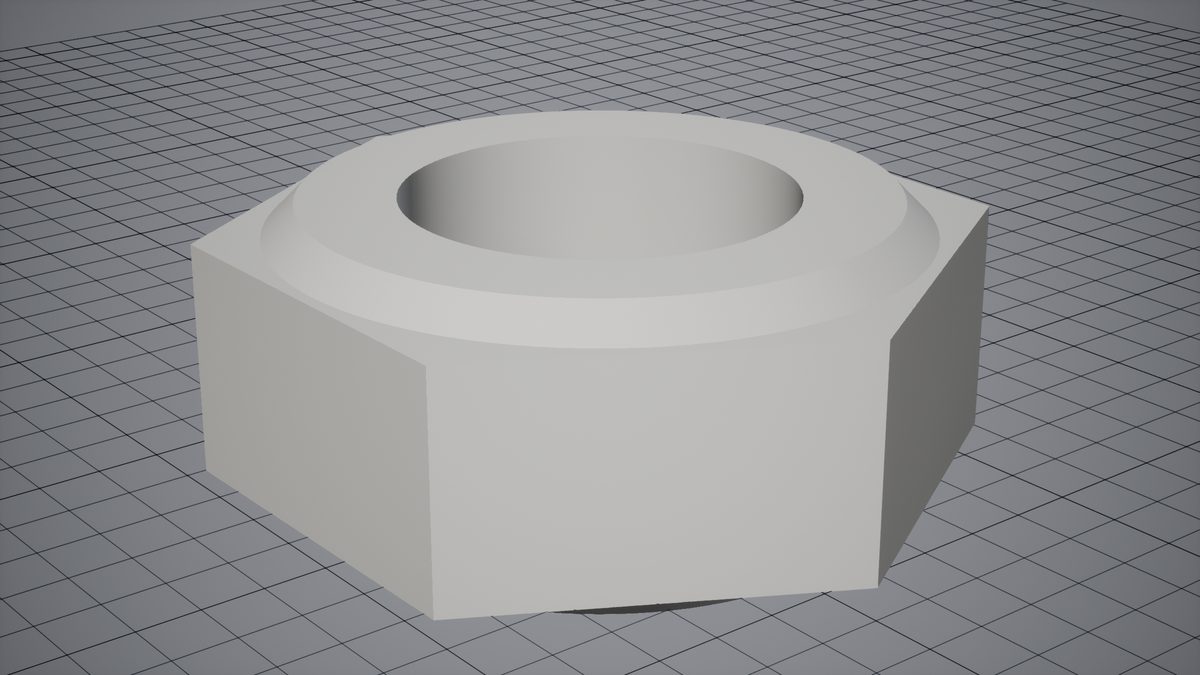
A part drawn in Unreal Engine
Unreal Engine 5.8: a plugin that opens CAD files at run time, free on Fab; Unity is in the works.
A Qt viewer with a node tree
Your own desktop app: the Qt viewer tutorial, Vulkan underneath.
The web viewer with the nut open and its tree beside it
The browser: wasm in a worker, the file never uploaded. Also on phones and tablets.
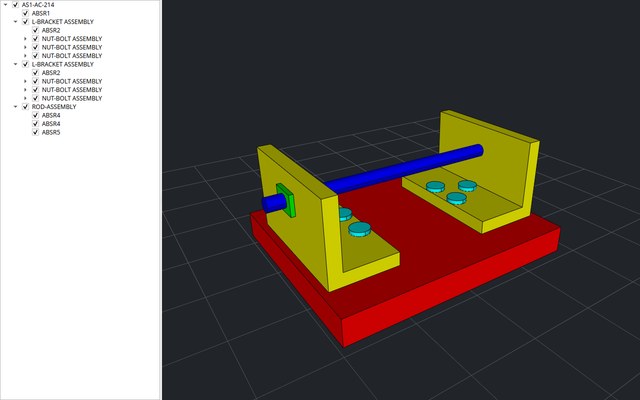
The desktop viewer with a part loaded and its tree beside it
The desktop viewer, and a web viewer of your own in ten lines.
Try it live

No install, in this browser

Notebooks

Model in Python or JavaScript against the kernel compiled to wasm; the examples are one menu away.

Python →JavaScript →

The forge

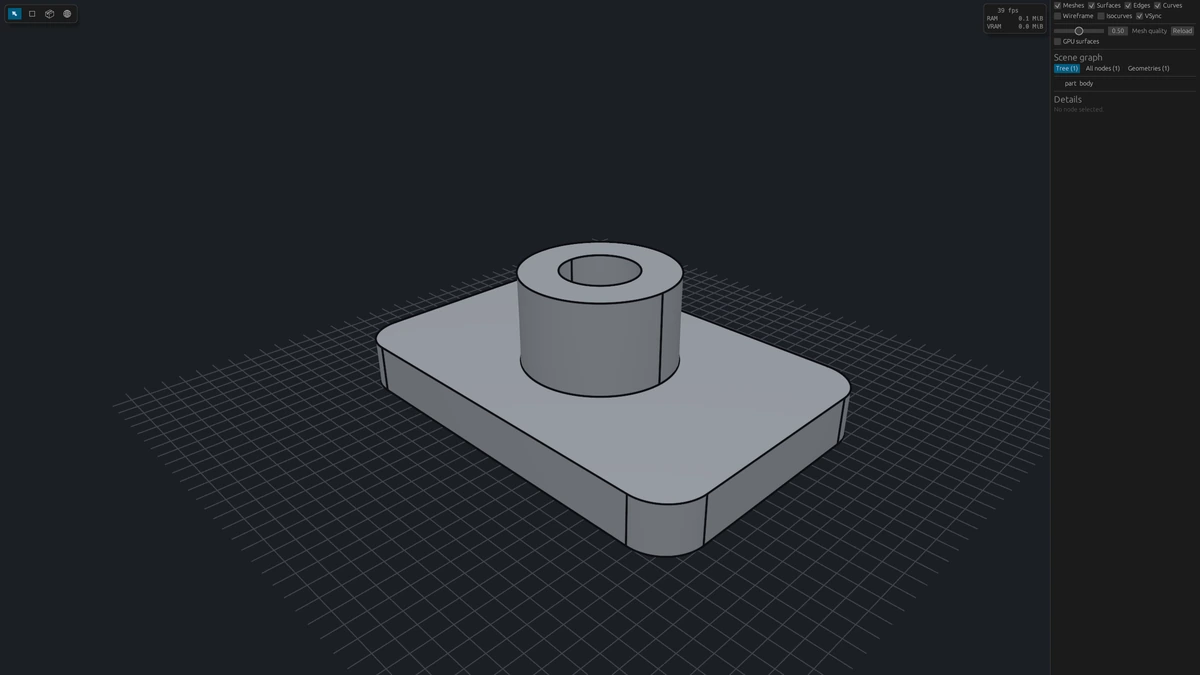
Sketch curves and build exact solids from them, with a history you can edit.

Open the forge →

OpenSCAD editor

Write OpenSCAD and get B-reps, not a triangle mesh.

Open the editor →

The loom

Wire kernel operations as a node graph, then export it as Python or JavaScript.

Open the loom →

Collision lab

Move solids against each other; the kernel, running in your browser, proves each pose clear or finds the overlap.

Open the lab →

Robot bench

Build a robot from real hobby parts — servos, steppers, extrusion, bearings — snapped by their real mounting holes, then move it, check it and take it home as STEP, URDF and a bill of materials.

Open the bench →

The Mill

Turn your part into Grbl G-code for a hobby router: set it on the table, pick your bits, and each smaller end mill cleans the corners the bigger one left.

Open the Mill →

Modelling with an LLM

A guide written for language models, so the one you use writes kernel code that runs.

Read the guide →
Reads .step .ifc .3dm .igs .brep .sat .scad Writes .step .stl .glb .obj .msh

Status

The two libraries ship: the SDK at github.com/rdeioris/cadaclysm-sdk fetches them for your machine, with wrappers for Python, C#, Go, Java, Node.js, Rust, Swift and LuaJIT. Build and test with them free, without a license; license them per product, server or website when they run in production. Godot and LÖVE ship today; the Unreal plugin and the Unity package are on their way to their stores.

Questions, models that will not open, ideas: the Discord server is open to everyone, and every license comes with support — by email and in a private channel there. Or write to us at info@blitter.studio about the plugins or an enterprise licence.